WPML Cleanup and Duplicate Media: A Safe Diagnostic Process
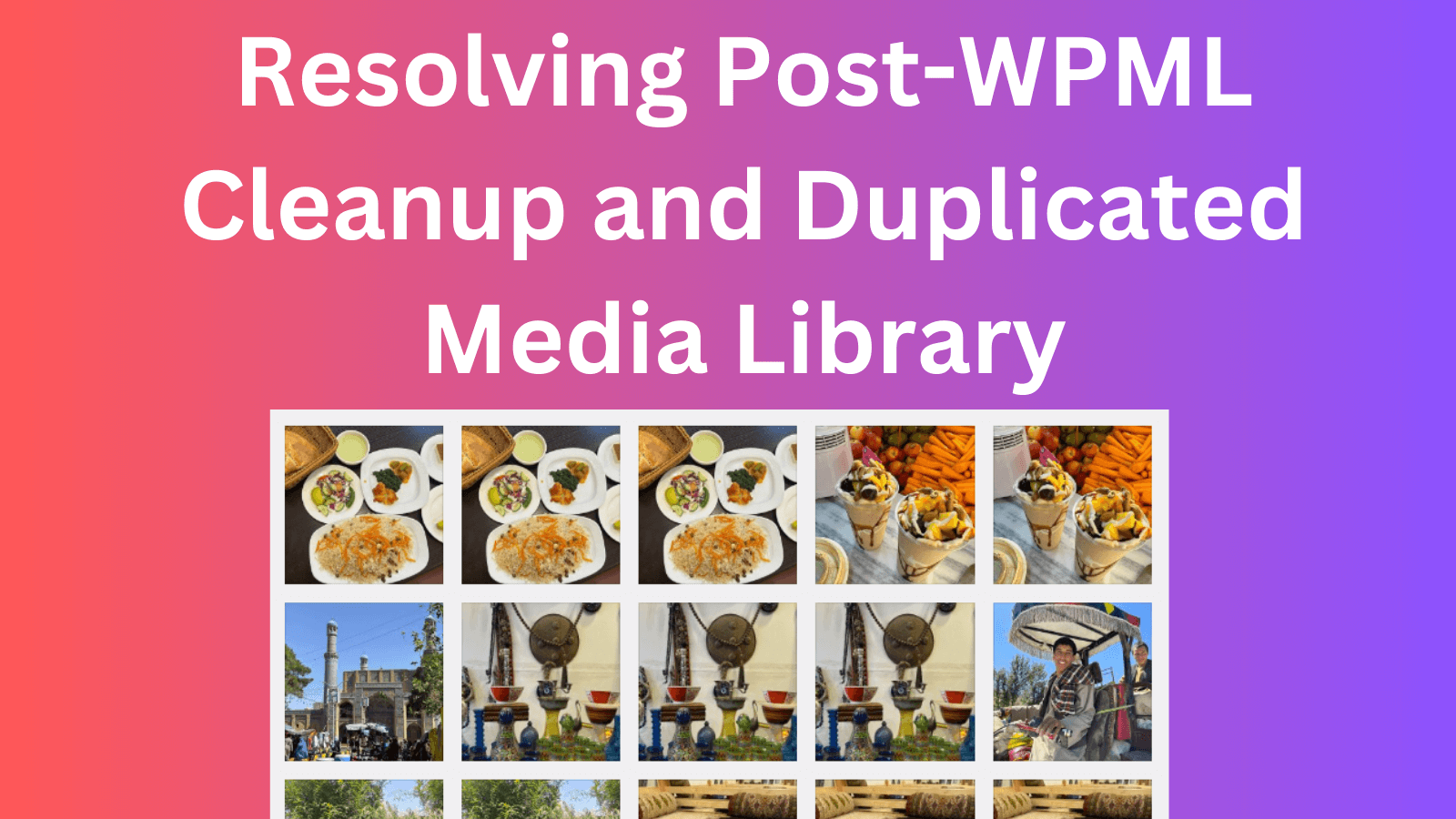
A crowded Media Library after a multilingual-site change does not automatically mean WordPress copied every image file. WordPress stores media as attachment posts, with file paths and metadata attached to those records. A multilingual workflow can create related attachment records for different languages, multiple records can point to the same file, or genuinely duplicated files can exist in the uploads directory.
Those cases need different fixes. Bulk-deleting everything that looks repeated can remove featured images, galleries, translated alt text, product media, or files still embedded in content.
Define the desired final state
Before changing data, decide whether the site will:
- continue using WPML with corrected media relationships;
- keep multiple languages with a different translation system;
- retain only one language;
- remove translated content while preserving shared media.
A cleanup plan without a target state usually turns into repeated deletion and restoration. URL behavior matters too. Removing a language can require redirects from old language paths, canonical updates, sitemap changes, and a review of external links.
Back up and move the work to staging
- Create a full database backup.
- Back up
wp-content/uploadsseparately. - Confirm both backups can be accessed and restored.
- Clone the current site to staging.
- Pause automated image optimization or offload jobs while records are being inspected.
WPML's current troubleshooting documentation also tells administrators to create a backup before running its repair actions. Those actions are designed for specific relationship, cache, collation, and string problems. They should not be clicked as a generic cleanup sequence.
Build a read-only inventory first
WP-CLI can export attachment records without changing the site:
wp post list \
  --post_type=attachment \
  --post_status=inherit \
  --fields=ID,post_parent,post_title,guid \
  --format=csv > attachments-before.csv
You can also identify attachment records that share the same stored file path:
wp db query "
SELECT meta_value AS file_path, COUNT(*) AS record_count
FROM wp_postmeta
WHERE meta_key = '_wp_attached_file'
GROUP BY meta_value
HAVING COUNT(*) > 1
ORDER BY record_count DESC;
"
Replace the wp_ prefix when the installation uses a different table prefix. This query is diagnostic only. Do not convert it into a delete query.
Classify what looks duplicated
Translated attachment records
Separate attachment records may carry language-specific title, caption, alt text, or relationship data while referencing a shared file. If the site remains multilingual, those records may be intentional.
Multiple records pointing to one file
This can be harmless, stale, or broken depending on where each attachment ID is referenced. Search post content, featured-image metadata, galleries, product data, custom fields, and page-builder data before deleting an attachment post.
Separate physical files
Names such as photo.jpg, photo-1.jpg, and translated variants may be distinct files. Compare hashes or file contents, not only filenames and dimensions. Image optimization services can also create derivative formats that should not be mistaken for duplicate originals.
Orphaned records
An attachment with post_parent = 0 is not proof that it is unused. Block content, options pages, theme settings, custom fields, and product galleries can reference unattached media.
Use the least destructive correction
If WPML is still active and the problem matches a documented relationship issue, use the relevant WPML troubleshooting action on staging and recheck the inventory. For media-specific behavior, confirm the current WPML Media Translation settings and documentation for the installed version before changing records.
For genuinely unused attachment records, delete through WordPress rather than removing database rows manually. The WordPress media API and WP-CLI can remove related metadata and generated sizes more consistently:
# Run only after the attachment ID has been reviewed and approved.
wp media delete 1234
Delete small reviewed batches, then inspect logs and the frontend. Keep a written list of removed attachment IDs and file paths. If the site uses an offload provider, confirm whether deletion should also remove the remote object.
Validation after each batch
- Open representative pages in every retained language.
- Check featured images, galleries, product media, social images, and structured data.
- Search the browser console and server logs for missing media.
- Crawl for image 404 responses.
- Review language switchers, canonicals, hreflang output, and XML sitemaps.
- Confirm the Media Library count and disk usage changed for the expected reason.
If WPML has already been removed
Do not reinstall, reset, or drop tables until the backup and target state are clear. Record the current plugin versions, WordPress version, database prefix, active languages, URL format, and a sample of affected attachment IDs. WPML support or an experienced WordPress developer can use that evidence to distinguish incomplete uninstallation from a media-reference problem.
The safe outcome is not the smallest possible Media Library. It is a library whose records and files are understood, whose retained content still resolves, and whose removals can be explained and restored.