ACF and WPML: how to translate custom fields, repeaters and options
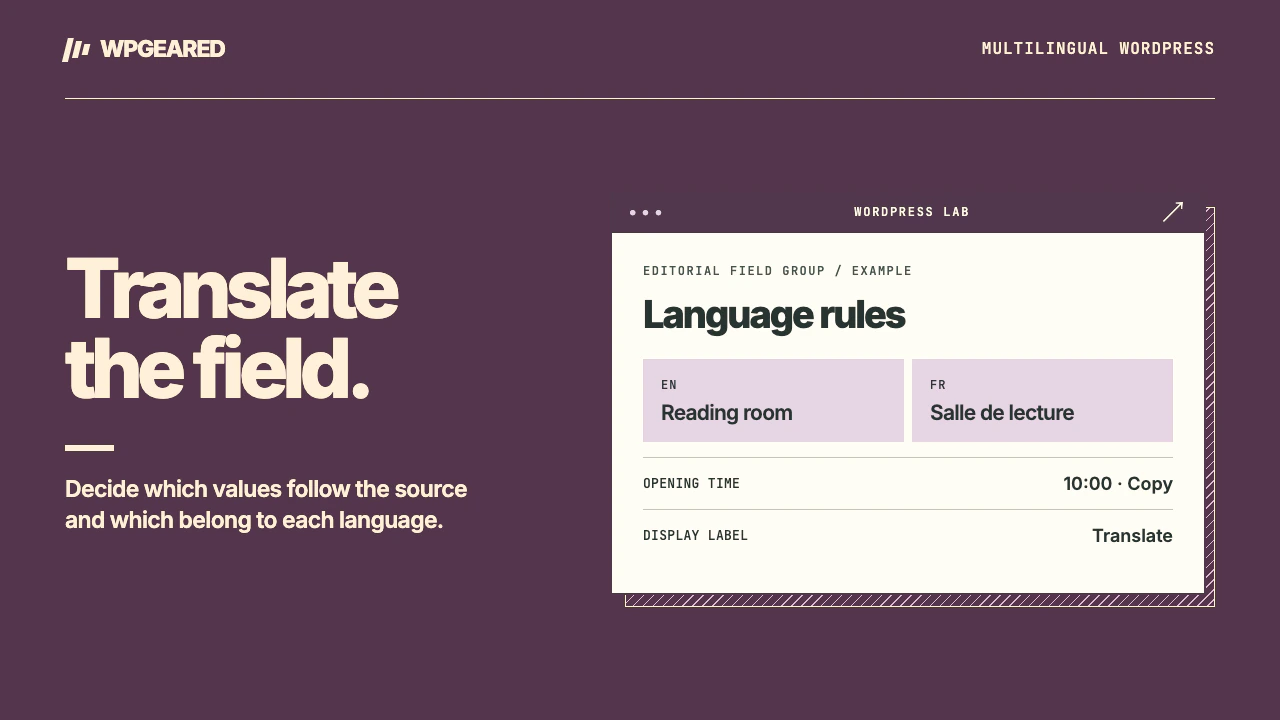
ACF and WPML work together through Advanced Custom Fields Multilingual (ACFML). Choose whether languages share the same structure before sending content for translation. Most missing-field problems become easier to diagnose once you distinguish the field's label, its stored value and the object that owns it.
ACF and WPML: which fields should translate?
Consider a museum exhibition. Its opening date is the same in both languages, its introduction needs translating, and its contact person might differ by region. Copying everything would erase the regional contact. Translating everything would ask translators to change dates and internal identifiers they should leave alone.
WPML's official ACF setup guide lists ACF or ACF Pro, WPML, String Translation and ACFML. Check those components on staging, then open the relevant field group. In its multilingual settings, pick the option matching the content model. Current labels describe shared translated content or independent content in each language. Older installations call these “Same fields across languages” and “Different fields across languages.”
| Preference | Use it for | What to verify |
|---|---|---|
| Translate | Text readers should see in their language | Send the source item for translation and complete the job |
| Copy | A value that should follow the original on later saves | Editing the source should update the translated counterpart |
| Copy once | An initial value a local editor can later replace | A second source edit should leave the local override intact |
| Don't translate | An internal value outside the translation workflow | Ensure the front-end template does not expect translated text here |
The WPML custom-field preference reference explains these choices. Use the group's recommended preset first. Choose Expert when the project requires individual field rules, and document why a field departs from the default. Decide based on the meaning of the value. A number might be a shared model number or a local phone number.
How should a repeater be translated?
An exhibition might have three speakers in the same order in every language. In that case keep the repeater's structure aligned and translate the biography text inside each row. In the shared-layout preset, the parent repeater uses Copy while qualifying text subfields translate. Copying the parent structure is different from copying each biography. Use a distinct name and sample sentence for each speaker so a swapped row is obvious.
If the French event has two speakers and the English event has three, forcing identical rows is the wrong model. The independent-content option starts language versions with copied values and allows each editor to maintain their own rows. Use the language's normal WordPress editor as described by WPML. Before picking this for a whole group, ask whether different attendance is a real editorial requirement or whether the third biography simply hasn't been translated yet.
Test a change after the initial translation: reorder a pair of rows in the source or add a speaker on staging. Inspect both the translated editor and the public page. Watch for a translated biography appearing under a different name. Third-party repeater replacements have their own storage and may not receive the same integration as the native field. Verify support before migrating a repeater built without Pro.
Translate the options page separately
An announcement or footer phone number may live in an ACF Options Page even though it is visible on every post. Sending a post for translation will not include settings stored elsewhere. In current WPML releases, open the translation dashboard, expand the ACF Options section and send the relevant options page. Its field group settings still determine which values translate or copy. WPML's ACF guide describes the current workflow and exceptions for custom storage configurations.
On staging, save a distinctive short label in the default language. Finish its translation, switch to the target language on the public site and examine the same footer link on two posts. If just one post changes, the template may be pulling a per-post override. If neither changes, inspect the language context in which the template reads the option and clear the affected page cache. Avoid putting a production language ID into a reusable template to make one example work.
ACF fields not translating: trace one value end to end
- Find the source. Open the original post, user profile or options page. Is the field populated there? A translated field label in the admin is different from the field value a visitor sees.
- Check the group. Confirm its location rule and translation option. For groups registered by PHP or Local JSON, verify that the deployed definition matches the one you edited.
- Refresh the job. Save the original after a meaningful field change and send the updated item. Check the latest job, its target language and completion status. A finished older job does not include a newer value.
- Read the right record. If the translation editor shows the correct words but the page does not, inspect whether the template passes a fixed source post ID. For a link, inspect both its visible label and the destination language. The ACF Link field guide shows how return formats differ.
- Distinguish interface strings. Field labels and choice labels may need WPML's string translation workflow. Changing the value of a select option that templates rely on can break lookups. Translate the label readers see and keep the stored identifier stable.
Finish with a two-language spot check of a populated row, an empty optional value and a revised translation. For attachment records taking up apparent extra space, use the separate WPML duplicate media guide. If your field definitions or templates need custom language logic, WordPress plugin development covers that integration.