Kadence vs Astra: which WordPress theme fits your editing workflow?
Choose Kadence when its header builder and global styles give your editors a layout they can maintain. Choose Astra when its header controls or an existing Astra setup fit the site you actually have. Both can frame WordPress block content. The biggest difference often shows up when the next person changes the mobile navigation or edits a page imported from a starter design.
Kadence vs Astra at a glance
| Decision | Kadence | Astra |
|---|---|---|
| Build a header | Arrange components in the Customizer and preview mobile behavior | Arrange components with Astra's header builder and review each device layout |
| Write a normal post | Standard WordPress blocks work with theme styles | Standard WordPress blocks work with theme styles |
| Add more layout controls | Kadence Blocks is a separate, optional plugin | Choose blocks or a builder according to the content and starter design you selected |
| Insert a repeated banner | Theme hooks or the visual Hooked Elements interface | Astra hooks or the corresponding site-building tools |
| Preserve existing content | Recheck theme-specific styles, menus and hooked content | Recheck theme-specific styles, menu assignments and any imported builder layouts |
The Kadence directory listing, Astra listing and Astra header builder guide describe the theme-level controls. Use the current documentation for the theme installed on your site. An older Astra installation can expose different header settings from a fresh installation.
Start with the page your staff changes most often
If the site sells appointments, the main test page is probably the service description with its opening hours and booking button. For a publication, pick a long article with a caption, an embedded table and a related story. For a shop, include a product with an unusually long title. A polished homepage demo may contain none of those problems.
On isolated copies, use identical content and assets. Change the brand color, a heading size and one navigation label. Notice which content inherits the new defaults and which keeps a local override. When a single page refuses to change, inspect whether its styling belongs to the theme, an individual block or a separate builder. A theme cannot reliably impose its palette on every explicitly styled widget.
Header and menu: test the awkward case
Start with the real logo and the longest labels from your navigation. Put the page at phone width, open the menu and use the keyboard. Can you reach the final item? Does focus remain visible over a transparent header? Try a long brand name and an extra top-level item. A header that fits only the original demo labels is fragile regardless of the product name.
For a site-wide notice, identify the owner of the placement. In Kadence an action can insert markup after the header, or Theme Kit Pro can give editors a Hooked Elements interface (plan detail checked November 2026). Astra documents its own theme hooks. An action written for Astra does not automatically fire when Kadence takes over. List existing snippets before switching, then verify placement on a single post, an archive and an excluded page.
Will a starter template save work?
Try a starter layout on an empty staging site first. Record any additional block, builder or form plugins it asks you to install. Select one service card and inspect how many nested elements you must open to change the label and destination. A design can import quickly and still be hard for a nontechnical editor to maintain.
Check what happens when a card has no image, when a translation makes its title longer and when an editor needs to remove one column. Find the site-wide typography setting and determine whether imported pages follow it. A differently styled template might be a better choice than importing an entire demo and then overriding every font, width and margin.
Which one is faster?
No single result describes every Kadence or Astra site. Compare a representative public page, same content, navigation, image dimensions, caching and font files. Measure start of the main document, timing of the largest visible item and request count. Repeat under the same conditions. If one setup uses a video slider while the other uses a static image, the result tells you about those implementations, not the themes alone.
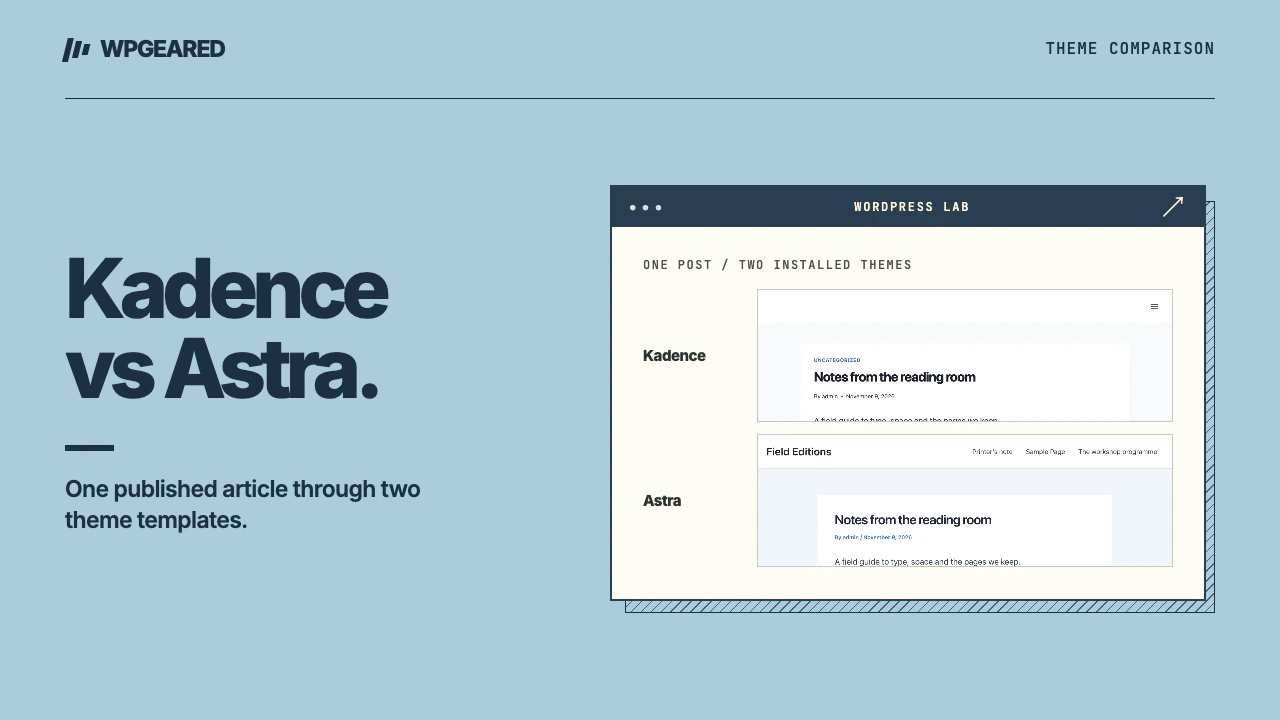
We switched a disposable WordPress site between the two themes with the same core Paragraph block saved in a post. The stored block and its rendered paragraph were preserved under both. That narrow check says nothing about a site's custom headers, builder widgets or measured speed. A clone of your own site is the place to test those.
Who should pick which?
Pick Kadence if the people managing the site prefer its Customizer controls and can build the required pages mostly with core or Kadence blocks. Read the Kadence theme review for its free-theme and extension boundaries. Pick Astra if the team already maintains an Astra header, child theme or starter-based design that meets the brief. Replacing an adequate theme adds an audit of menus, sidebars, layouts and custom CSS without automatically improving the content.
If both pass the same editing and mobile tests, compare the ongoing cost of ownership: who updates extensions, who repairs a broken template, and how the next administrator identifies where a shared component lives. If both fail one important requirement, document that requirement before buying another extension. A WordPress theme migration is easier to scope around specific templates and workflows than a general wish for a different look.