Kadence vs GeneratePress for a WordPress site
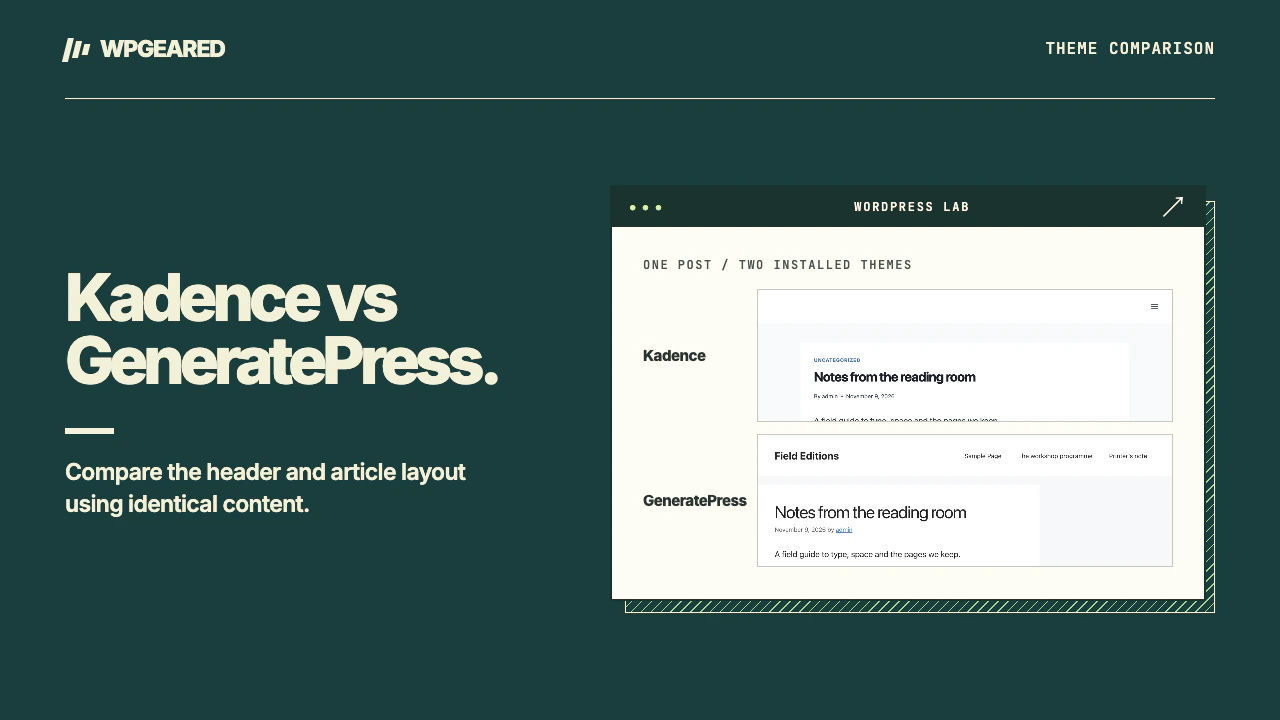
Choose Kadence if you want to arrange the header visually and establish your site's design in the Customizer. Choose GeneratePress if you prefer a restrained starting point and want to define precisely which templates or hooks receive extra content. This comparison covers the Kadence and GeneratePress classic themes. Your choice of editor and blocks is a separate decision.
Kadence vs GeneratePress at a glance
| Task | Kadence | GeneratePress |
|---|---|---|
| Set up navigation | Arrange header items in the theme's visual builder and check the mobile row | Start with the theme navigation and its Customizer settings |
| Write a long article | Core blocks work. Add Kadence Blocks if a layout needs it | Core blocks work. Add GenerateBlocks if its design controls solve a problem |
| Reuse content outside the page body | Theme actions in code or Hooked Elements in Theme Kit Pro | Theme actions in code or Block Elements in GP Premium |
| Assign a custom section to a subset of posts | Choose placement and display rules for the element | Choose an element type, location, exclusions and users as appropriate |
| Move the site's design later | Rebuild Kadence-specific header settings and hook assignments | Rebuild GeneratePress-specific layouts and element assignments |
Plan and feature distinctions checked November 2026 against the Kadence Hooked Elements guide and the GeneratePress Block Elements guide. Neither paid interface is necessary to publish ordinary block content.
Which header will be easier to maintain?
Start by drawing your actual header on paper. List the logo, menu, search, account link and any call button. Decide which survive on a phone. Kadence's header builder is attractive when the operator wants to place items visually and preview the result without writing a template. A menu that looks fine with four short labels can wrap after a fifth item is added. Check what happens with the real logo, translated labels and the browser zoomed in.
The GeneratePress theme listing describes its layouts and navigation controls. If all you need is a logo with a conventional menu, evaluate that first. A visual header assembled from several custom elements gives you more freedom and more components to maintain. In either theme, tab from the logo into the menu, open a submenu and reach the main content. Repeat at mobile width and verify that closing the menu returns focus somewhere sensible.
What happens to the writing workflow?
Create a post with a heading, list, image, caption, quotation and button. Core blocks can hold all of that in either theme. Switching between them on a staging copy changes inherited presentation, including spacing, fonts and line length. Check whether a wide image breaks out of the text column and whether your link color is still distinguishable inside a paragraph.
For a landing page, there is a separate choice between block collections. GenerateBlocks and Kadence Blocks are plugins with their own controls and update cycles. A fair trial uses core blocks first, then adds the smallest set of extras needed for the real design. If a designer installs both libraries to reproduce one card, ask which plugin owns the grid and how a content editor will know where to change its spacing. Document that decision beside the pattern.
What if a client wants a banner below every article?
Both themes can run a PHP callback at a named action. The action name belongs to the theme. A snippet written for one won't automatically appear at the equivalent spot in the other. GeneratePress documents the distinction between free theme hooks and its premium visual Elements interface in its developer guide (checked November 2026). Kadence offers a comparable placement decision with Hooked Elements.
Work through a real rule. A subscription prompt should appear below ordinary articles, disappear on product pages and stay out of the archive card. With an element, identify where its display rules live and who can edit them. With a snippet, identify the conditional and how to disable it. Place a temporary marker on staging and verify a post that should match and a page that should not. A good rule is easy for the next maintainer to locate six months later.
Can one theme make a slow site fast?
Changing the theme may change loaded styles, markup and the image size selected by the browser. It won't fix slow hosting or an uncompressed hero image by itself. Compare equivalent output. Use the same plugins, header content, images, caching state and viewport. Log the main document response time and the resource that paints the largest visible item. Repeat several times and keep the individual readings. Differences smaller than the variation between runs give you little basis for choosing.
Include an archive in that comparison. A homepage with one small hero can hide costs that show up when a category page renders ten thumbnails, author boxes and excerpts. Also compare the effort required to update a shared link in the footer, add a post and restore the design after switching away and back on staging.
Who should pick which?
Choose Kadence if the person running the site wants visible controls for a branded header, global colors and typography, and plans to keep most article content in ordinary blocks. Read the Kadence theme review for a walkthrough of those boundaries.
Choose GeneratePress if you value a simple base and have someone comfortable reasoning about element assignments and template locations. If both meet the brief, use the one your maintainer can change with fewer exceptions. For another theme with visual header controls, see Kadence versus Astra. Before replacing an established theme, list everything attached to its hooks, sidebars and Customizer. The theme migration service is for sites where that inventory needs a managed cutover.