WordPress Japanese keyword hack: find the spam and recover search results
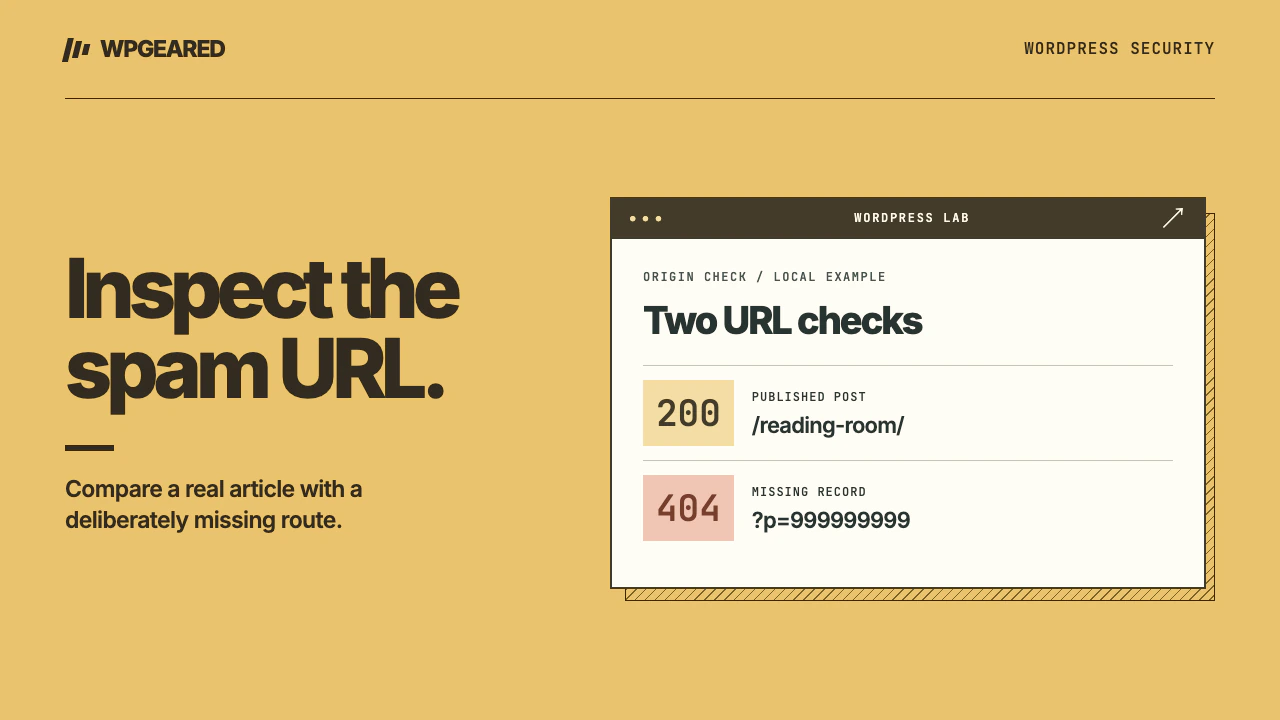
The WordPress Japanese keyword hack creates or serves unrelated search spam under a legitimate domain, often with Japanese shopping terms. Start with the exact URLs in search results and Search Console. A clean-looking homepage does not rule out spam served only on particular paths or to particular visitors.
How to confirm a WordPress Japanese keyword hack
Japanese-language content is not evidence of compromise by itself. Look for products you do not sell, paths you never published, unfamiliar titles or outbound shopping links. On a multilingual site first ask the relevant editor whether the page is intentional. Save a small set of affected URLs, their search snippets, the date and the expected content. A single old snippet is evidence to investigate, not a complete diagnosis of the current server.
Google's guide to fixing the Japanese keyword hack explains why unfamiliar pages can appear in search while the site owner sees something else. Among the patterns it describes are spam pages disguised as errors for ordinary visitors and unauthorized verification of Search Console ownership. Treat unfamiliar owners as an account-control issue, not just an SEO problem.
Compare what Google saw with what the site serves
Pick one spam URL, one legitimate article and one deliberately nonexistent path. Record the HTTP status and final location for each. A page that displays “not found” while returning HTTP 200 is a soft error and may remain eligible for indexing. A 301 redirect from every nonsense path to the homepage can also obscure which routes are actually gone. Neither proves the site is clean.
In Search Console, inspect the exact suspect URL. Compare the indexed information with a live inspection where available. Look at the rendered page, canonical and last crawl date. An old indexed snapshot and a clean current response can coexist after a repair. A live spam response on a URL that your browser renders as an error warrants investigation at the origin, caching layer and application. Google's URL Inspection documentation explains which view describes the index and which checks the live page.
If the site has a security alert, preserve the examples before making changes. Check users and permissions, ownership verification methods and submitted sitemaps. Remove unauthorized access through a trusted account and eliminate the verification mechanism it relied on. Removing a person from a list while leaving their verification file or token in place can let them verify again. Coordinate this with the legitimate property owner so you retain access.
Contain the issue and trace where the pages come from
Take a private forensic copy of the files, database and available logs. Preserve recent deployment and backup history. If the site is actively sending visitors to harmful destinations, ask the host to contain that exposure while retaining the evidence. Do not follow suspicious external purchase links to test the attack.
Trace a sample request with the host. It may be a real WordPress post, a virtual route handled by rewrite rules, an injected template, or cached content served before WordPress runs. Search for the exact unfamiliar slug and a distinctive fragment of its title in a copy of the database and site files. A missing database row is useful information: it tells you to inspect generated routes, server configuration and caches rather than deleting ordinary posts.
Review must-use plugins, unexpected files in uploads, theme overrides, rewrite rules, scheduled tasks and newly privileged accounts. Compare core and extensions with trusted distributions. Check other sites that share the same credentials or filesystem permissions. A bulk removal of every file containing Japanese characters can destroy legitimate translations and still leave a spam generator intact.
Remove the generator, then clean up individual URLs
Restore affected components from trusted sources and address the account or vulnerable component through which the changes were made. Reconcile legitimate posts, orders and media created since the last known-good backup. Rotate exposed credentials from a clean device, revoke sessions and verify the recovery email and hosting access. The WordPress incident recovery FAQ covers the broader recovery process.
Now repeat the request matrix. A spam-only URL with no legitimate replacement should return a genuine 404 or 410. A legitimate page that was overwritten should return its restored content and a successful response at its original address. Remove spam links and sitemaps, clear compromised cache entries, and preserve valid canonical tags on real pages. Avoid redirecting all spam requests to the homepage or blocking all crawlers from the affected directory as a shortcut. A crawler needs to see the correct outcome.
Recover visibility and check for recurrence
If Search Console reports a security issue, use its review workflow once the source, affected pages and access problem have been resolved. Explain the cause you actually identified, the affected area and the repair you verified. Check the representative URLs again over subsequent crawls. Search results can retain old snippets after the server is repaired. Record the crawl date before concluding that the infection has returned.
Keep a short log with columns for URL, expected outcome, origin response, public response, Google last crawl and checked date. Add a newly invented junk URL periodically. If old spam URLs return 404 but arbitrary new junk URLs start returning product pages, the generator is still active. If every sample remains clean but old titles remain indexed, watch crawl progress before changing healthy content.
A visible replacement page with a “Hacked by” message has a different first-hour priority. See the WordPress defacement recovery guide. When the spam source spans hosting configuration and WordPress or you cannot verify your recovery copy, use WordPress malware removal for hands-on help.