Kadence vs Divi vs Genesis: choose a theme by who maintains it
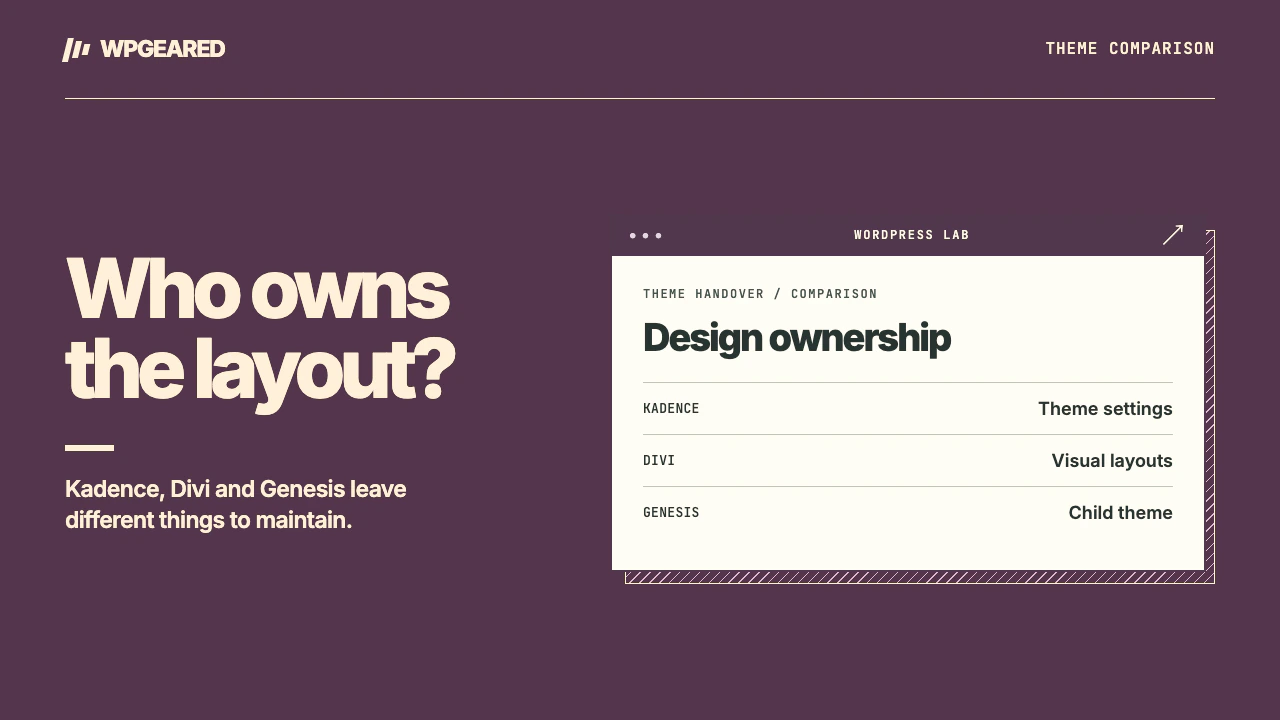
Pick Kadence for a site built mostly in the WordPress block editor. Pick Divi if the team wants to design and maintain layouts in Divi's visual builder. Keep or choose Genesis when a developer owns the child theme and its templates. An existing site has a fourth option worth evaluating: keep the current system and solve the particular editing problem that prompted the comparison.
Kadence vs Divi vs Genesis: what are you choosing?
| Question | Kadence | Divi | Genesis |
|---|---|---|---|
| What supplies the design? | Theme settings plus content blocks | A theme/builder design system with visual layouts | A parent framework plus the active child theme |
| Where does an editor work? | Usually in the WordPress block editor | Often in Divi's visual builder | In the editor the child theme and site implementation support |
| Who changes a shared template? | Theme administrator or developer, depending on placement | Someone who understands template assignments and Divi modules | Usually the person maintaining the child theme's code and settings |
| What must a migration inventory? | Header, footer, Customizer choices and hooks | Templates, global components, modules and builder version | Child theme functions, template overrides, hooks and plugin dependencies |
The Kadence theme listing describes its header and design controls. WP Engine's Genesis setup guide explains the parent/child relationship. Elegant Themes' Divi 5 documentation explains how newer layouts and older modules are handled. Identify the installed products and versions before estimating a rebuild.
Give all three the same editorial job
Take a typical service page. Change an introduction, add an expert profile, move a button and replace the shared header link. Then add an ordinary blog post with a table and several headings. Ask the person who will own routine changes to perform each task on a staging copy. Write down where they had to leave the editor and whether a change affected one page or every page.
With Kadence, a normal post can remain mostly core blocks while the theme sets common typography, width and navigation. That makes a straightforward publication relatively easy to hand over. If every landing page ends up needing a different custom layout, determine whether additional blocks or custom templates are now part of your actual stack. The theme alone no longer describes what the next maintainer must understand.
Divi's builder is useful when the designer needs direct control over page sections and the same team will continue editing those sections. Check how a global component differs from a local copy. Change a label on staging and inspect two pages sharing the component. A successful handover means an editor can predict which version will change.
Genesis supplies a different starting point. A child theme can encode a carefully controlled article layout, archive or custom post type. That can keep irrelevant design controls away from writers. It also means a request as simple as moving the byline may belong in code. StudioPress's Genesis Sample repository shows the separate child theme and dependency on the parent. Confirm that someone owns that code before promising nontechnical staff they can redesign a template themselves.
How much of the existing design moves?
Saved words, uploads and the design system need separate inventories. A blog article authored with ordinary core blocks is a very different migration from a Divi landing page containing third-party modules. The same is true of two Genesis sites: one may use a lightly customized child theme, another may implement business rules in its functions file. Inspect representative records and code before classifying either as an easy switch.
For Divi, avoid the blanket claim that every version stores or migrates content in exactly the same way. The vendor's Divi 4 to Divi 5 migration guide describes a staged migration and compatibility handling. Some legacy modules may still rely on older rendering behavior. A Divi version upgrade is also different from rebuilding pages in a different theme and editor. Test the actual modules in use, especially forms, dynamic data and third-party extensions.
For Genesis, map what the child theme adds at each action and which templates it replaces. Preserve custom post types, shortcodes and data registrations if they happen to live in theme code. Copying the stylesheet will not recreate those features. For Kadence, document theme-specific hooks, header rows and custom CSS selectors. The Kadence hooks guide gives an example of output that depends on a particular theme action.
Which one performs better?
Start with the question a visitor experiences. Does an article render its heading promptly? Is its hero image delayed? Can someone open the mobile menu without a pause? A stock theme preview and a heavily designed campaign page are different workloads. Keep the same content, images, fonts, hosting, cache and device when comparing options. Include the scripts needed for a working form and menu.
Compare the maintenance workload too. A site that strips away its builder to improve a score may need several plugins and custom templates to restore the editorial workflow. A developer-managed child theme can be efficient and still delay every design change if nobody else can maintain it. There is no responsible speed ranking here without measuring the same finished site under each option.
Who should pick which?
Kadence fits a small team that wants ordinary block editing, visible site-wide settings and a limited set of repeatable designs. If another general-purpose theme is in consideration, compare Kadence and Astra.
Divi fits a visual design team that uses its templates consistently and can keep its builder dependencies current. If you already have a stable Divi site, prototype one replacement page including its forms and responsive states before committing to a rewrite.
Genesis fits a code-maintained site where the child theme expresses requirements ordinary editors shouldn't have to recreate. For an existing Genesis site, ask for the child theme source, release procedure and a working staging copy. Choose a different approach if nobody can make or safely deploy its next template change. For an existing site's cutover, the WordPress theme migration service covers the template and content inventory.