Kadence vs Elementor: which editor should own your pages?
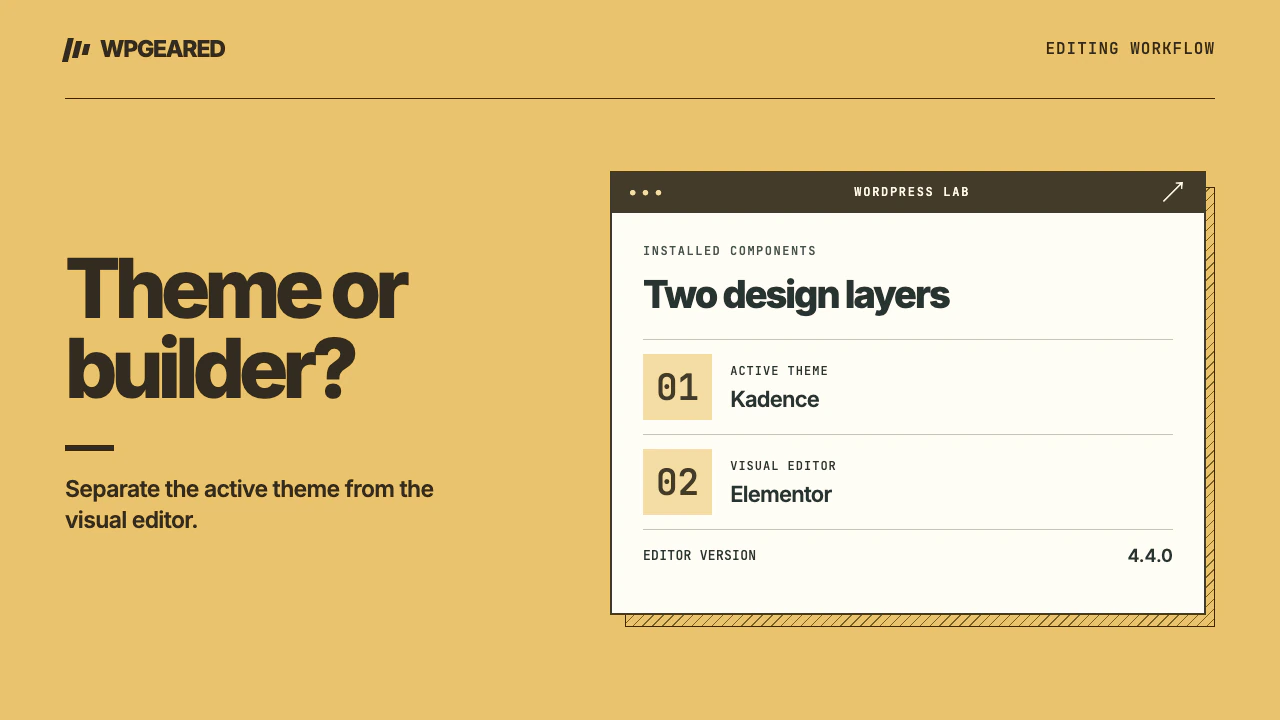
Kadence and Elementor can run on the same WordPress site. Kadence is a theme, Kadence Blocks adds tools to the WordPress block editor, and Elementor is a separate visual editor. The useful choice is who will edit each part of your site: the theme for its shared frame, then the block editor or Elementor for a page's content.
Kadence vs Elementor for the same page
Suppose you are building a landing page with a headline, a photograph, three service cards and a contact link. You also want the main site menu at the top. There are two reasonable ways to assemble it.
| Job | Kadence theme and blocks | Kadence theme and Elementor |
|---|---|---|
| Site menu and footer | Set these once in the theme | Retain the theme header and footer on a suitable layout |
| Page content | Assemble core blocks, adding Kadence Blocks where needed | Open Elementor and arrange its elements in the visual editor |
| Reuse the design | Turn stable block groups into patterns | Use Elementor's template workflow for components built in its editor |
| Adjust widths | Check the theme content width and then the block's alignment | Check the page layout, Elementor container and inner content width |
| Maintain it later | The editor must understand the block structure | The editor must understand the builder layout and its responsive controls |
The Kadence Blocks listing and Elementor listing describe the two editor toolsets. Installing Kadence Blocks does not add those blocks to Elementor's widget picker. Likewise, activating Elementor does not require you to use it for all posts.
Can you use Elementor with the Kadence theme?
Yes. Start with a staging page that uses the site's default layout. Add one heading and publish it privately. Check whether you see the site header, page title and footer you expect. Next try Elementor Full Width. Its layout keeps the header and footer while the builder controls the page content. Canvas removes the header, footer and sidebar. A missing menu on a Canvas landing page is usually a layout choice. Changing the menu itself won't bring it back. Elementor documents the differences in its page layout reference.
Decide whether a campaign page really needs Canvas. If it sits behind a paid campaign, check that people can still reach essential navigation, contact details and privacy information. If the header appears twice, identify whether the first one comes from the theme and the second from a builder template or content copied into the page. Remove the duplicate at its source.
Where do desktop and mobile designs go wrong?
A frequent design problem is a row that fits three short card titles but breaks when one title wraps to three lines. Try the longest real title, one card without an image, and a button whose label is longer than “More.” At phone width, check the reading order, button position and whether nested rows create two sets of side padding. Inspect the parent container before adding negative margins to a child.
If the entire site needs a new body font, change a shared setting and inspect an ordinary post and a builder page. An explicitly chosen font inside a widget or block can override the shared setting. Keep a short record of which tool owns typography, buttons and the page background. That record saves an editor from adjusting twenty widgets to fix one inherited style.
Will moving from Elementor to blocks speed things up?
There is no reliable performance verdict from the product names alone. The size of the main image, font requests, third-party scripts, cache and hosting can matter more than the editor. If the editor itself takes a long time to open, diagnose Elementor editor and front-end slowness separately. Rebuild one representative page on staging, keeping the same assets and content. Compare the resources requested before the first large item appears. Include the mobile menu and form in your checks. A page that appears sooner but drops an important interaction is an incomplete replacement.
Switching a theme and replacing an editor are different migrations. A page built with Elementor needs its builder-specific layout accounted for. Before removing the plugin, inventory templates, popups, forms, dynamic content and widgets supplied by add-ons. A screenshot provides a design reference, but it does not preserve form delivery or display conditions. Take a restorable copy and verify the replacement with the builder disabled on staging.
Who should pick which?
Choose Kadence with blocks for a publication or service site where the content team values one WordPress editing experience. Prototype a normal article and one exceptional landing page. Choose Elementor for pages where the person maintaining them already knows the visual editor and needs precise layout control. Keep an existing, maintainable builder design if the proposed switch has no specific problem to solve.
A hybrid is sensible when the ownership is written down: the theme supplies the shared navigation, posts use ordinary blocks, and named campaign pages use Elementor. For a theme-first alternative, compare Kadence and GeneratePress. For repeating a notice around content, see Kadence hooks. If the design depends on several builder templates, start with a theme migration inventory.